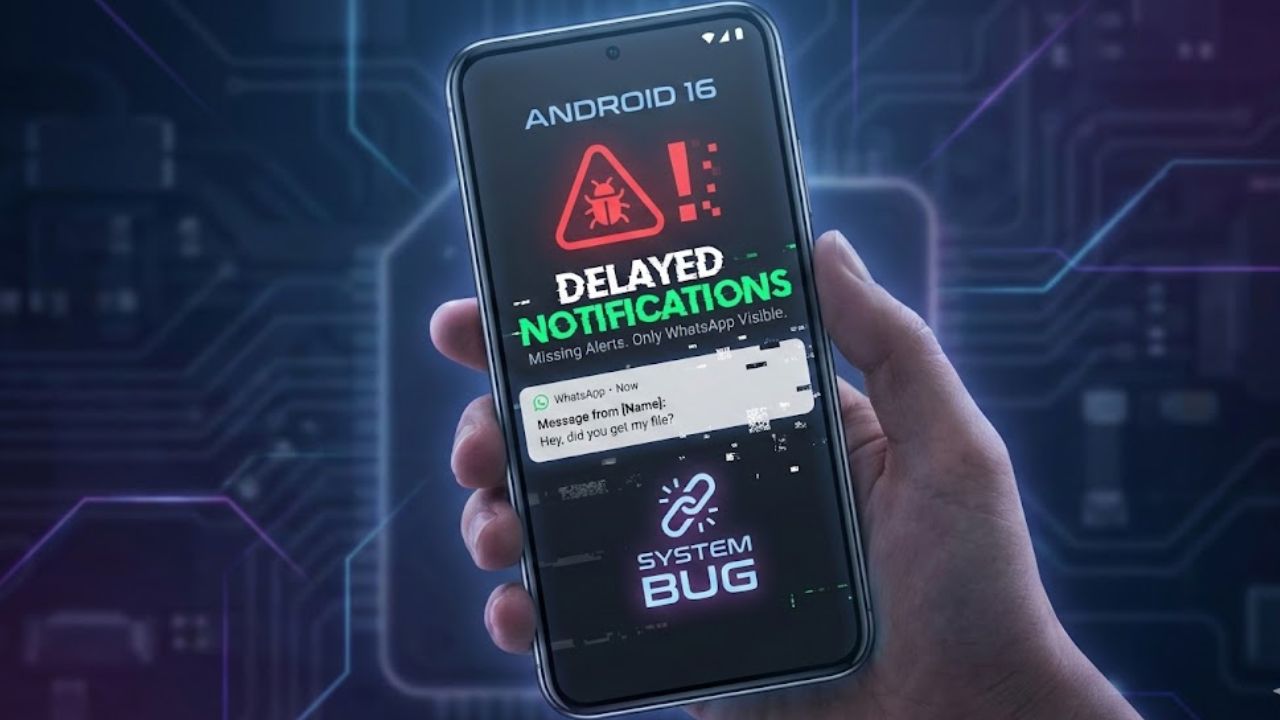
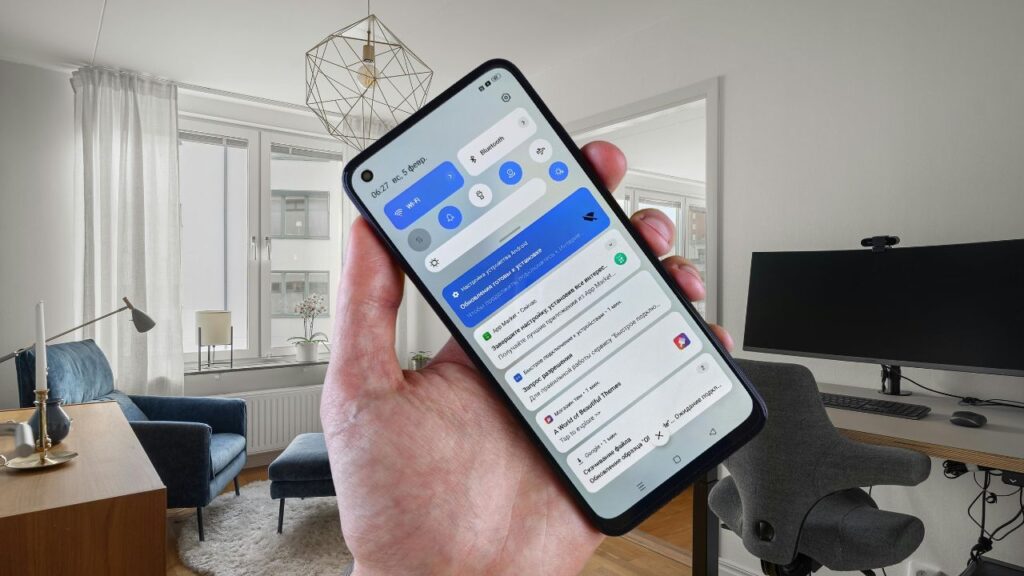
Users of smartphones running Android 16 are reporting a notification bug. Many users are facing this issue. Several users have stated that when their phone is locked or when the screen is off, most app notifications do not arrive on time. Surprisingly, WhatsApp is the only app whose notifications are delivered instantly, while alerts from other apps do not appear until the device is unlocked. Let’s find out why this is happening.
What is the issue?
Users on Android 16 devices have noticed that
Users on Android 16 devices have noticed that:
Notifications do not arrive when the phone is locked.
Even after turning on the screen, only some notifications appear, while the rest remain missing.
Many apps do not show any alerts unless the phone is fully unlocked.
This issue seems to be mostly related to system-level notification delivery management.
Let me tell you that recently, some users reported that alarm, email, banking, social media, and news apps are the most affected. They are not receiving notifications.
How is WhatsApp Working Properly?
How is WhatsApp Working Properly?
Tech experts believe that WhatsApp relies very little on Google Firebase Cloud Messaging (FCM) and keeps its background services aggressively active, which is preventing it from being affected by this bug.
Apart from this, due to new changes in background processes and Doze mode in Android 16, many apps are not getting permission to run in the background, but WhatsApp is able to send notifications quickly because of its dedicated service channel.
Rising User Complaints
Rising User Complaints Android 16
Complaints from Android 16 users are increasing rapidly, where notifications do not arrive on time when the phone is locked or the display is off. Many apps do not show alerts until the phone is unlocked. Users are continuously expressing their frustration about this bug on social media and forums.
If I talk about my personal experience, yes—I have also noticed that I receive notifications only when I open the app. Until then, no notification arrives. If you are also using an Android 16-based phone and your app notifications are coming late, then do tell us through the comments.
These Are The Possible Reasons
If we talk about the notification delay issue in Android 16 and its causes, there can be several possible reasons. New battery management rules are limiting background activity of apps, due to which alerts do not arrive on time. Strictness of Doze mode, changes in foreground service permissions, and OEM-level custom optimizations may also be contributing to notification delays.
Is a Fix Coming Soon?
Google Releases Software Update
According to reports, Google may release a fix for this issue in the upcoming security patch. Along with this, OEM companies like Samsung, OnePlus, and Xiaomi are preparing to release patches through their system updates. I believe the update may arrive within this month.
Are You Also Affected By This Issue?
Are you also facing the late notification problem in Android 16? Like many users, your phone might not be showing app alerts on the lock screen on time. Except for WhatsApp, most apps do not send notifications until the device is unlocked. The best temporary solution is to turn off battery optimization, set apps to Unrestricted mode, and install the latest OTA update. This will help reduce notification problems until Android 16 receives its official fix. What do you think—will this bug be fixed in the new Android update?
Overall…
In conclusion, Android 16 is a major upgrade, but its new notification system is causing compatibility issues with many apps. Except for WhatsApp, most apps are unable to deliver timely alerts, affecting users’ productivity and security. Users are hoping that Google and smartphone brands will soon provide a solution to this issue.
FAQ
Why are notifications delayed on Android 16?
Due to new battery management rules, Doze mode restrictions, and background process limitations, many apps cannot deliver notifications on time.
Why does WhatsApp send notifications instantly?
WhatsApp relies less on FCM and keeps its background services active, allowing notifications to bypass Android 16’s restrictions.
Which apps are most affected by this bug?
Alarm, email, banking, social media, and news apps show the most delay in notifications on Android 16.
Is Google working on a fix for this issue?
Yes, Google is expected to release a fix in the upcoming security patch, and OEM brands may also release updates soon.