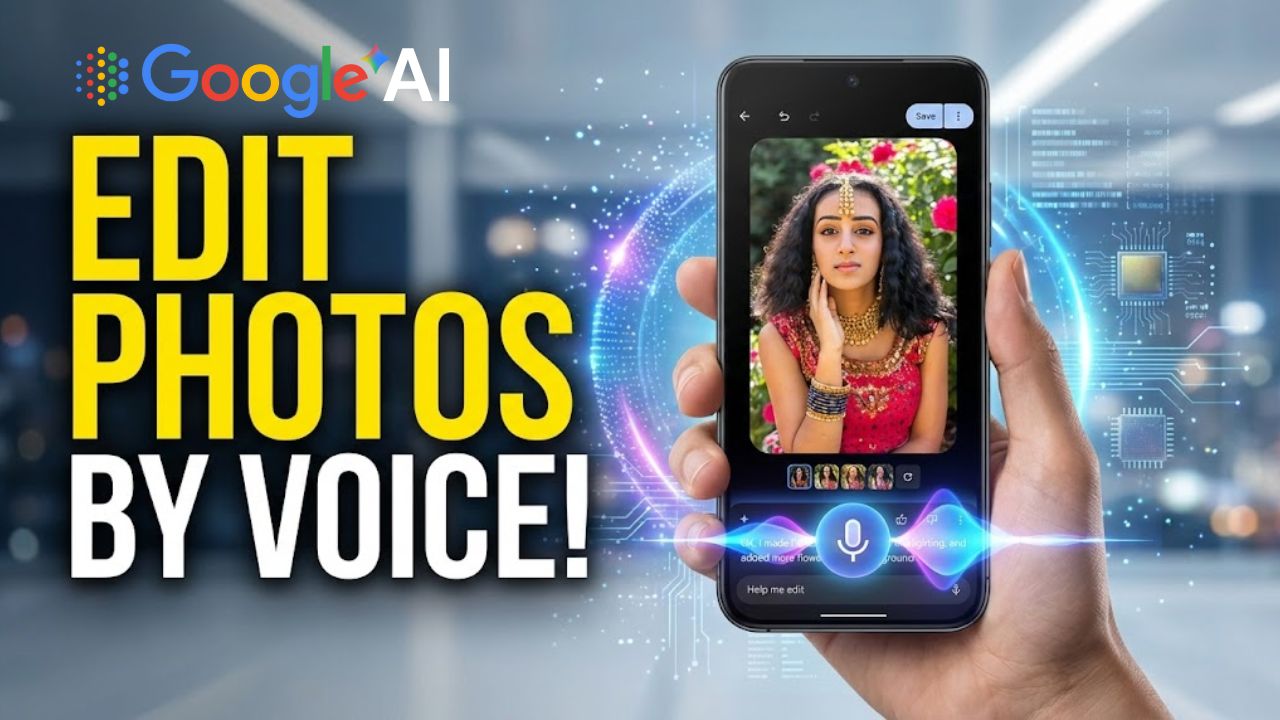
Recently, Google has added an AI tool called “Help Me Edit” to Google Photos, and it is now available for Indian users. Let us tell you that with the new AI-powered photo editing feature in Google Photos, you can edit your photos using only voice commands. In addition, with the help of advanced Gemini technology, this feature turns your ideas into real edits within just a few seconds, without any technical knowledge.
With this update, photo editing will no longer remain limited only to professionals; instead, it will now become very easy and accessible even for common smartphone users. So let us now find out how you can edit your photos using this feature.
What is the “Help Me Edit” AI feature?
What…Help Me Edit AI feature…
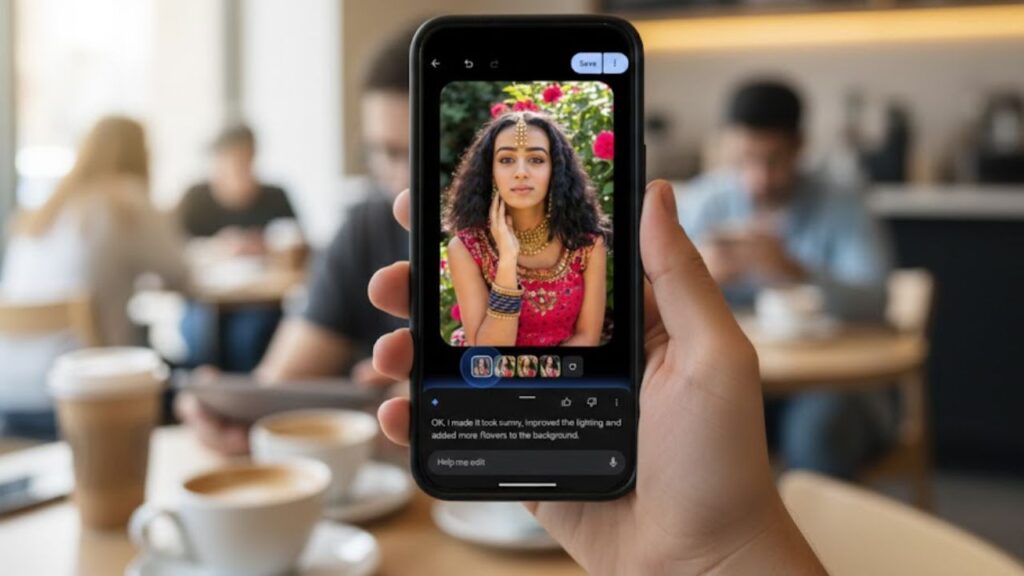
First of all, let us understand what the Help Me Edit AI feature actually is. Let us tell you that it means “Help me edit” is a smart AI option of Google Photos that understands natural language and applies photo edits. This means whatever you say or write, the AI will make the same changes in the photo.
Key features of this feature:
Support for both voice and text
No need to use manual sliders
Real-time and accurate editing
Easy interface even for beginners
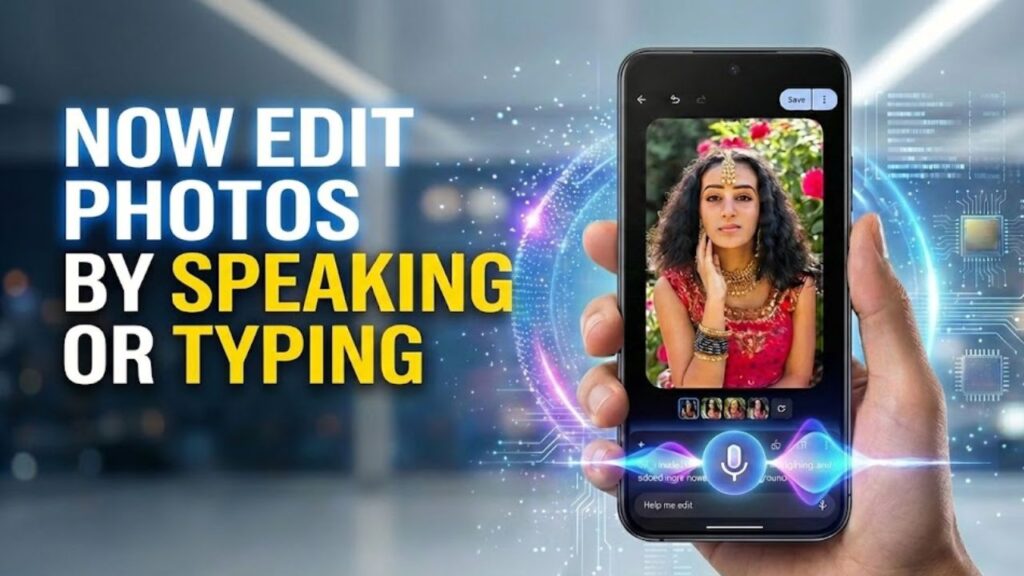
Now edit photos by speaking or typing
Now edit photos by speaking or typing
If we talk about photo editing earlier, we had to manually adjust options like brightness, contrast, and saturation. But now you can simply say in easy language:
“Make the photo a little brighter”
“Clean the background”
“Make the colors more vibrant”
The AI understands your command and instantly applies the edit. This experience feels exactly like you are giving instructions to a real photo editor.
How to use the “Help Me Edit” feature?
How to use the “Help Me Edit” feature…
If you want to edit photos using the AI Help Me Edit feature of Google Photos, let us tell you that using this new AI editing feature is quite simple:
Steps:
First, update the Google Photos app
Open the Google Photos app
Select any photo
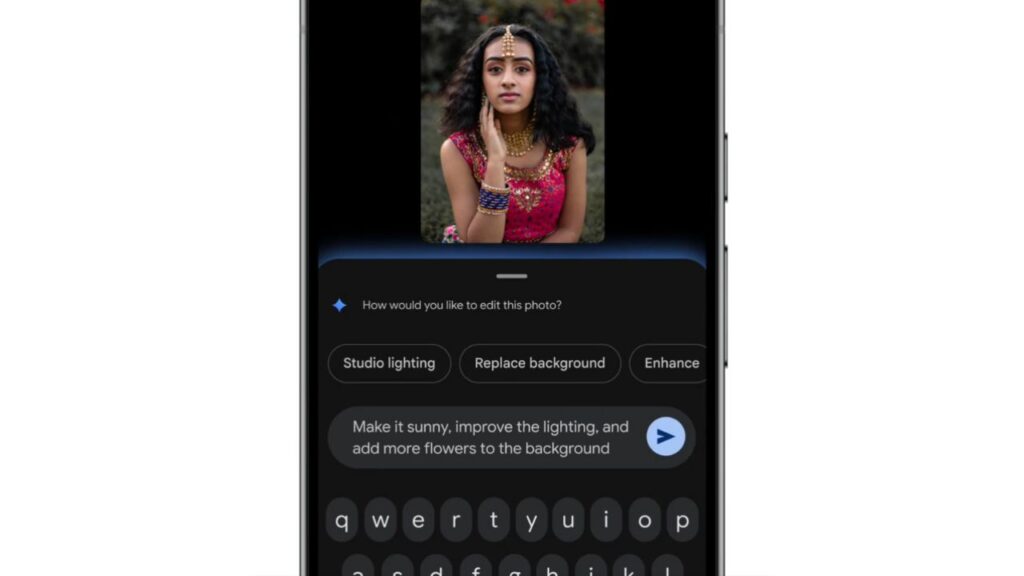
Tap on the “Help me edit” option
Describe your edit using voice or text
The AI will automatically apply the changes
Let us tell you that after this process, photo editing becomes completely smooth even for beginners. By the way, you tell us in which apps this feature was available earlier.
Strong support for Indian languages
Keeping Indian users in mind, Google has made language support quite strong. Now users can edit photos in their preferred language.
Supported languages:
English
Hindi
Tamil
Marathi
Telugu
Bengali
Gujarati
It is clear that Google is prioritizing the experience of local users, and this is also the reason that makes Google stand out from others.
Device compatibility and minimum requirements
The most special thing about this Google feature is that you do not need a high-end processor in your phone to use it.
Minimum Requirements:
Android 8.0 or above
At least 4 GB RAM
The best thing I found about this Google photo editing AI is that now most smartphone users will be able to use this AI photo editing feature.
Advanced face editing features
Google Photos Help Me Edit AI
Let us tell you that along with this Google update, face editing has also become quite advanced. Now you can directly give instructions to Google Photos such as:
Remove sunglasses
Open the eyes
Add a natural smile
Let us tell you that Google AI uses private face group data, due to which the editing looks realistic and natural, without any artificial look. This is quite good because many AI photo editing tools currently available tend to ruin photo quality and lack detailing.
“Nano Banana” feature for creative users
At the same time, for creative users, Google Photos has introduced the “Nano Banana” feature. Through this tool, you can transform photos in a completely new way.
Uses of this feature:
Cinematic look
Artistic touch
Unique style transformation
In such a case, you just need to describe your requirement, and the AI will convert your vision into a new image within seconds. By the way, which AI tools do you currently use for photo editing? Do let us know through comments.
AI transparency and digital label support
Let us tell you that Google has also focused on AI transparency. Because of this, Google Photos now supports C2PA content credentials.
Benefits:
Permanent digital labels on AI-edited images
The original image and editing history are visible
Viewers can clearly know whether AI has been used or not
Google’s AI is now bringing a significant improvement in trust and authenticity among users. If I talk about my personal use, I use Google Gemini every day.
Rollout and availability in India
If we talk about the availability of the Help Me Edit AI in India, currently this feature is being rolled out gradually in India. If the “Help Me Edit” option is not showing on your phone yet, then:
Keep the Google Photos app updated
Wait a little, the rollout is ongoing
Soon this feature will be available on your device. By the way, I have not received this feature on my phone yet. Have you received it?
Conclusion
This new AI photo editing feature of Google Photos will take the photo editing experience in India to the next level. Its biggest highlight is that with voice commands, multiple language support, creative tools, and transparent AI labeling, users can now create perfect photos with just a few words.
Overall, this update is a strong example of fast, easy, and future-ready photo editing, which is quite useful for everyday users and content creators.
FAQs
What is Google Photos Help Me Edit AI?
Google Photos Help Me Edit is an AI-powered feature that allows users to edit photos using simple voice or text commands.
Is Help Me Edit AI available in India?
Yes, Google has started rolling out the Help Me Edit AI feature for Indian users, though availability may vary by device.
How does voice-based photo editing work in Google Photos?
Users can describe edits like brightness, background cleanup, or color enhancement, and AI applies changes automatically.
Which languages are supported in Help Me Edit AI?
The feature supports English, Hindi, Tamil, Telugu, Marathi, Bengali, and Gujarati for photo editing commands.
What are the minimum requirements to use Help Me Edit AI?
Users need Android 8.0 or above and at least 4GB RAM to use this AI photo editing feature.