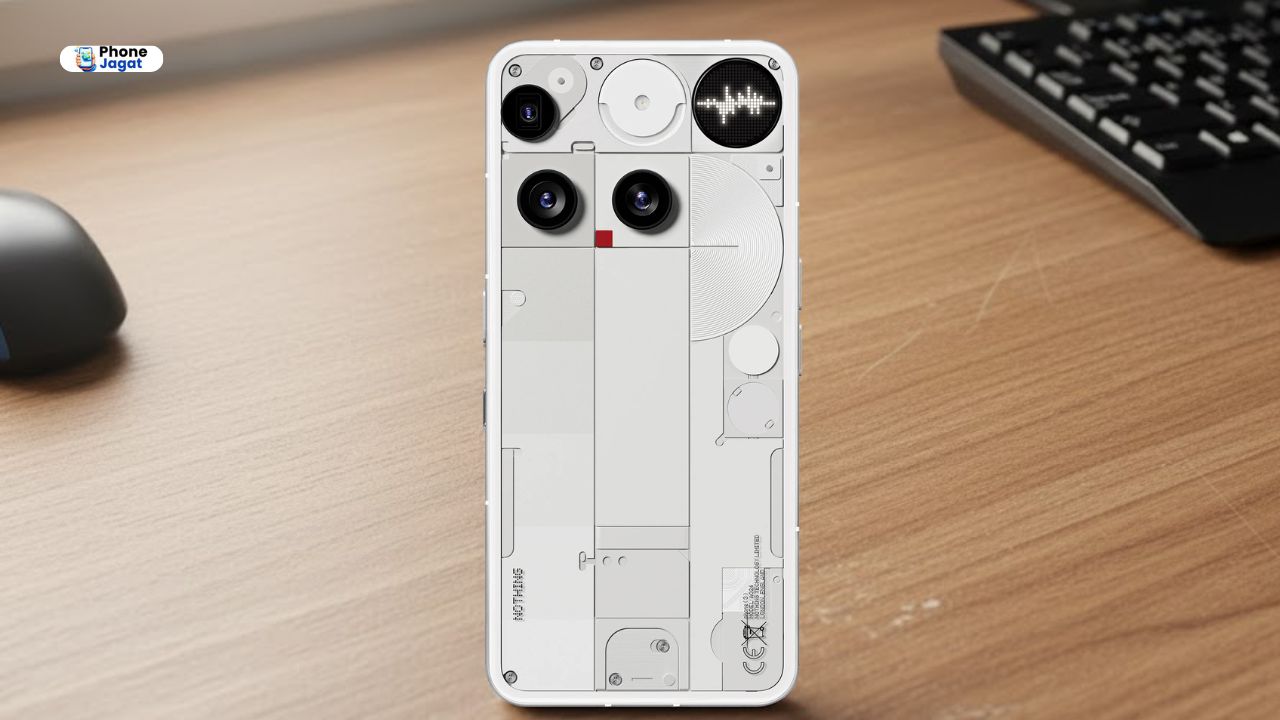
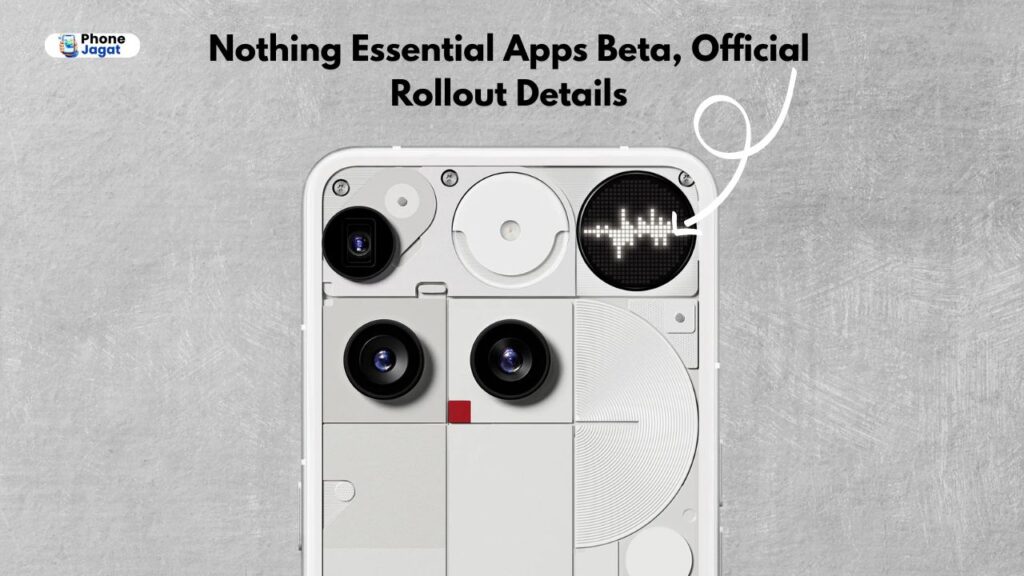
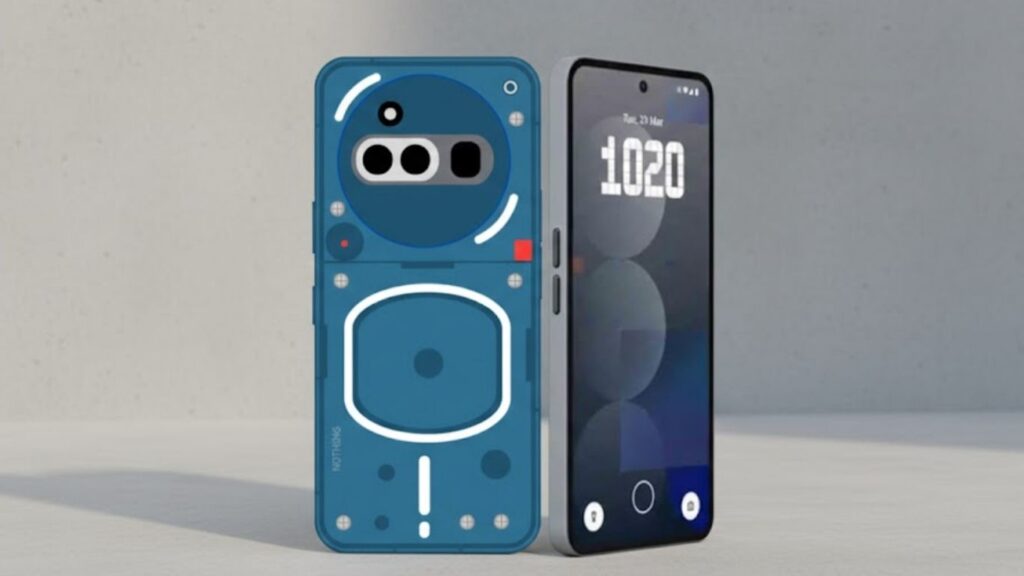
Recently, Nothing shared a video on its X account in which Nothing Essential Apps Beta, Nothing Phone (3), Custom AI Widgets, Playground Hub, Carl Pei, and personalized mini-apps are now at the center of a new software experiment. Let us inform you that Nothing has introduced Essential Apps Beta, through which users can create custom mini-apps by using simple English prompts. Apart from this, this rollout indicates a large-scale push by the company towards a user-driven AI experience, moving beyond the conventional app ecosystem. So now let us understand how this AI widget customizer feature works.
Nothing Essential Apps Beta: Official Rollout Details
Nothing Essential Apps Beta
Nothing has launched the Essential Apps Beta through its Playground Hub, and initially, it will be made available to Nothing Phone (3) users. Let us inform you that through this initiative, users can create personalized mini-apps by describing their needs in simple English. Because of this, the process eliminates the traditional requirement of coding knowledge.
Meanwhile, according to the company leadership, as stated by CEO Carl Pei, this beta is a step deliberately away from the common software experiences of large technology firms. Therefore, it seems that Nothing is positioning itself as a platform that prioritizes customization and user creativity.
How Nothing Custom AI Widgets Work
Let us inform you that Nothing’s Essential Apps Beta gives users the facility to create widgets and lightweight applications according to their needs. In addition, the system first ensures that the created apps maintain a consistent visual design according to Nothing’s interface standards. Because of this, the tools created by users also remain connected to the operating environment.
Apart from this, the platform supports easy editing and rollback, allowing users to improve their creations without starting from scratch. In some cases, these mini-apps can access contextual data such as location or calendar information, which increases practical usage. However, as the beta progresses, major functionality details may change.
How to set up custom AI widgets with Nothing Apps Builder?
If you also want to set up custom AI widgets using Nothing Apps Builder, then follow these steps:
Then type the prompt for the app icon you want, and click on the Create button.
Later, scroll down and click on the Start Deployment button.
In this way, you can set up custom AI widgets on your Nothing phone with the help of Nothing Apps Builder.
Nothing Community Creations and Early Feedback
Let us inform you that even before early community participation, several examples had already emerged. Specifically, Carl Pei showcased a widget called “Big Eyes,” while other users created tools such as Formula 1 schedule trackers and study-selection assistants. Therefore, the beta emphasizes how highly specific and personal applications can be created through simple prompts. Meanwhile, on social platforms, some external observers commenting have said that this approach accelerates the concept of “self-assembling apps,” where users directly shape software according to their needs. However, like any beta rollout, its long-term scalability and ecosystem impact are still under observation. By the way friends, what would you like to say about Nothing Custom AI Widgets?
Strategic Implications for AI-Driven Software
The Essential Apps Beta reflects a major industry shift toward generative AI-powered customization. Apart from this, by simplifying development into natural language input, Nothing reduces the barriers involved in software creation. Therefore, the company now appears to be strengthening its position in the AI-personalization segment.
Overall, with the launch of Essential Apps Beta for custom AI widgets, it is also clear that Nothing wants to experiment with decentralized app creation while maintaining design oversight. Although this feature is currently in beta and limited to specific devices, its development approach may influence how smartphone platforms adopt user-generated tools in the coming years. The coming time will tell.