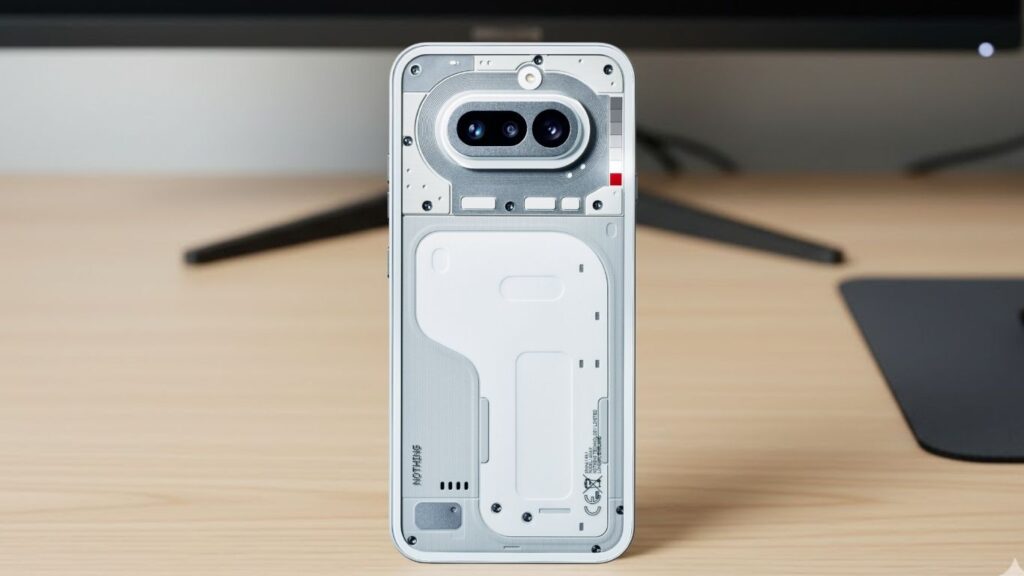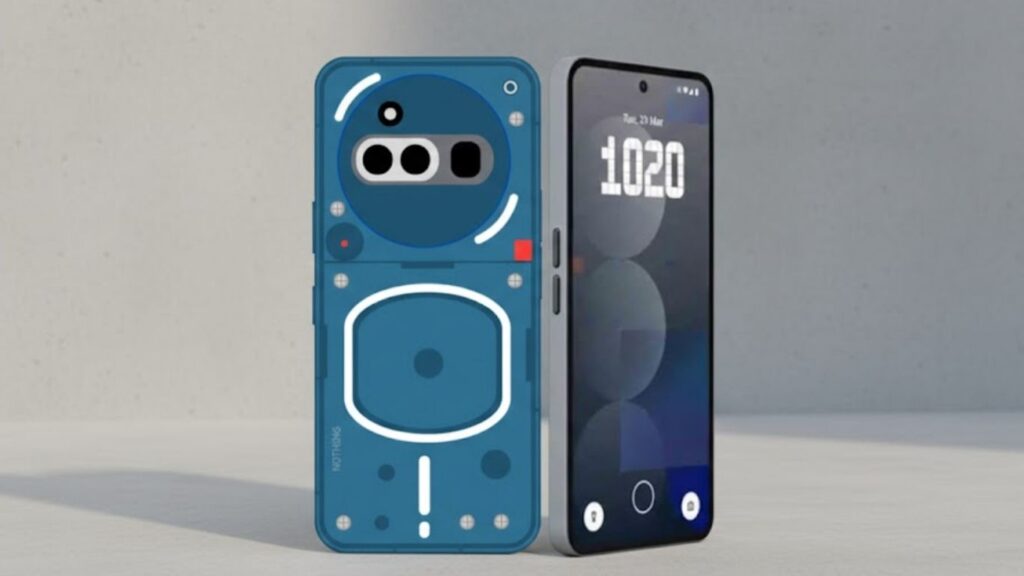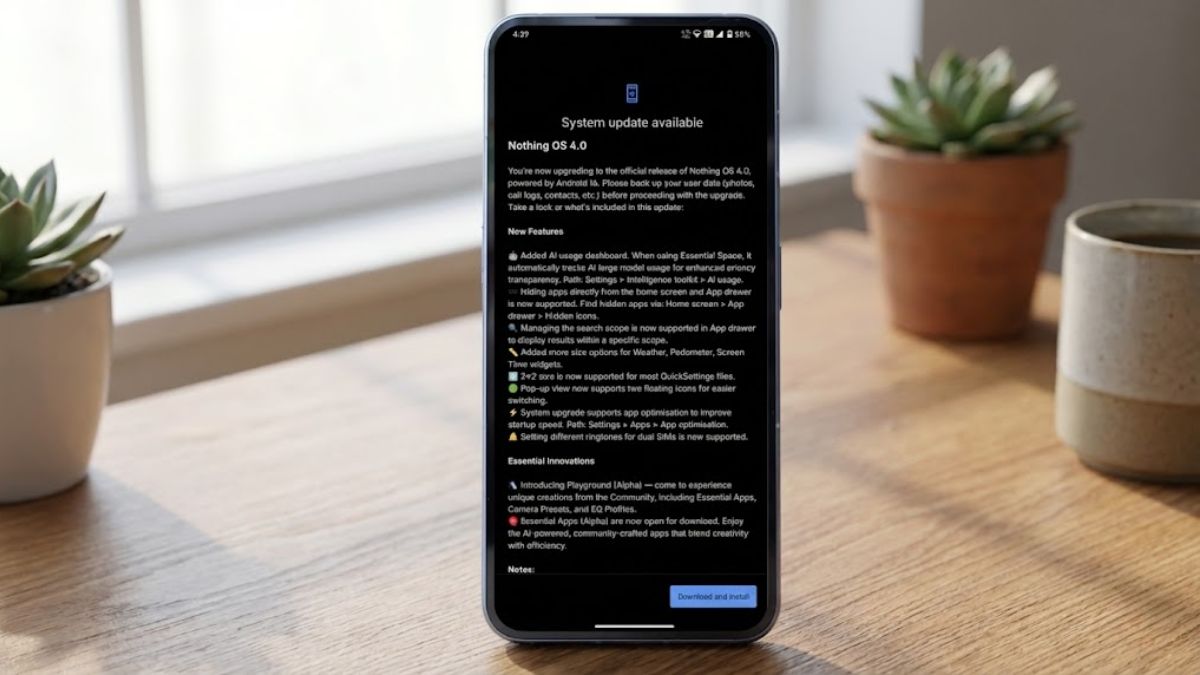
Nothing OS 4.0 Update: Big good news has come out for Nothing smartphone users. Let us tell you that Nothing has officially started rolling out the stable update of Nothing OS 4.0, which is based on Android 16. This update is not just a normal Android version upgrade; instead, it brings several important changes related to AI transparency, privacy controls, and smart UI customisation.
At a time when users are increasingly using AI features, Nothing OS 4.0 focuses on user control, performance optimisation, and practical features. Before installing the update, the company has also advised users to back up their important data such as photos, contacts, and call logs.
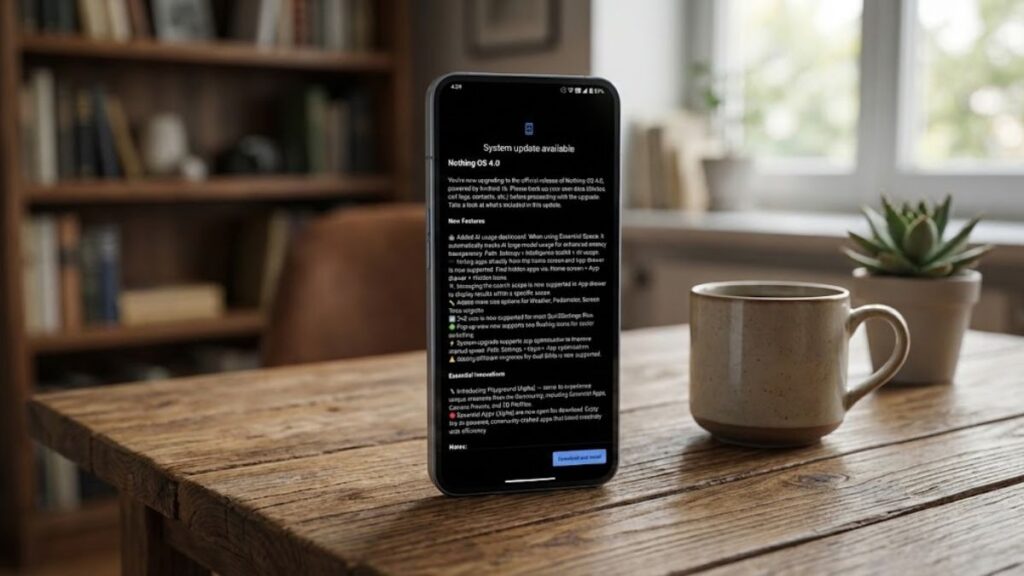
In this article, we will explain in detail what new features are available in the Nothing OS 4.0 update, how useful it is for Indian users, and whether you should upgrade right now or not.
Nothing OS 4.0 Update: What’s New?
Nothing OS 4.0 is an official release based on Android 16, with special focus on improving system stability along with a smarter user experience. During the update, system app optimisation is also supported, which improves the phone’s startup speed and overall smoothness.
Users can manually manage this feature by going to Settings > Apps > App Optimisation. This feature is especially beneficial for users who have been using the same device for a long time.
Privacy Transparency with AI Usage Dashboard
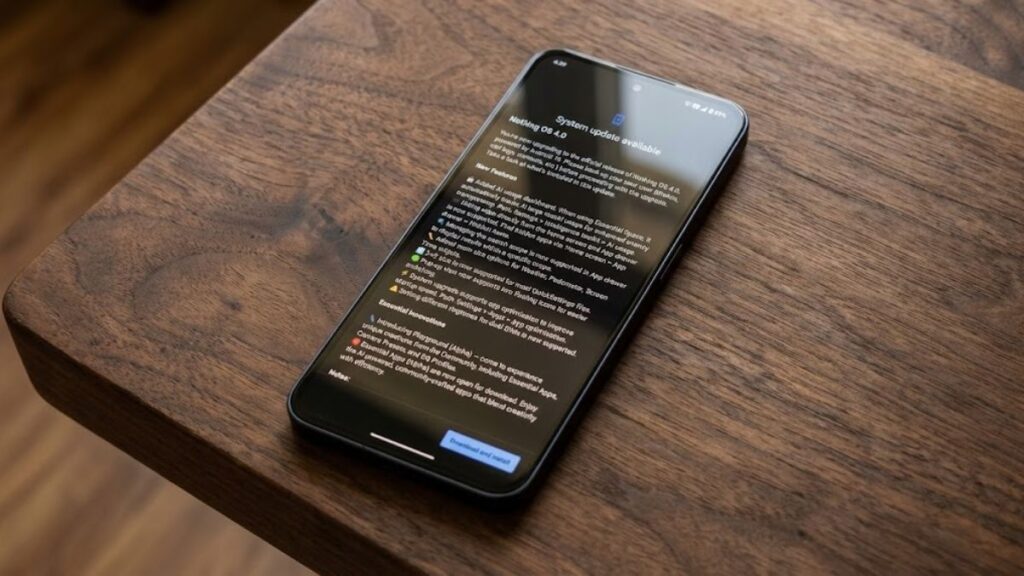
A new AI Usage Dashboard has been added in Nothing OS 4.0, which automatically tracks AI large model usage when Essential Space is used. The purpose of this update is to clearly show users when and how AI features are being used.
You can access the AI Usage Dashboard on Nothing phones through this path:
Settings > Intelligence Toolkit > AI Usage
This feature is considered very useful for privacy-conscious users. With these AI features, the user experience after installing Nothing OS 4.0 is going to be much better.
Option to Hide Apps on Home Screen and App Drawer
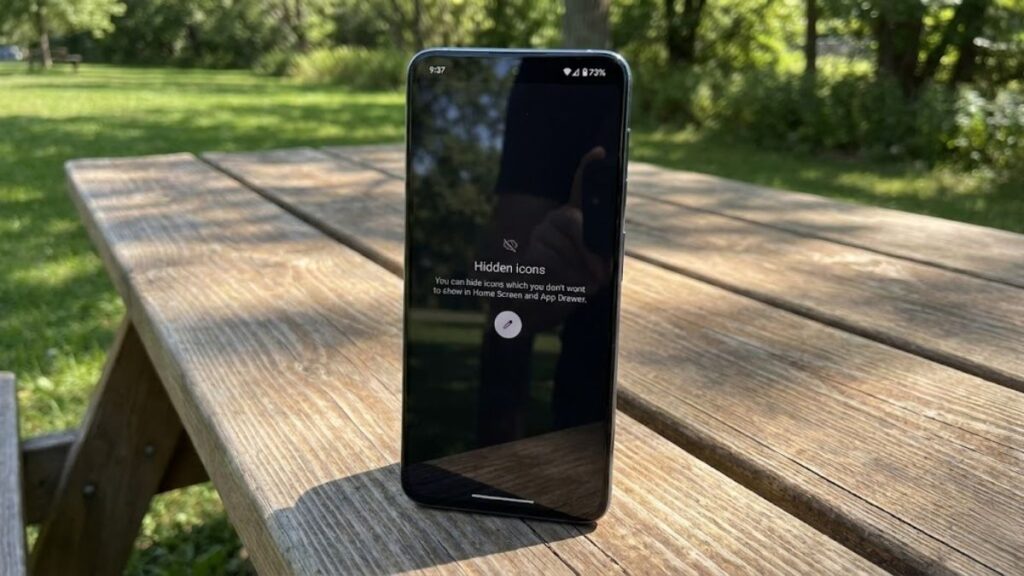
Now users can directly hide apps from the Home Screen and App Drawer. In addition, a new path has been provided to view hidden apps:
Home Screen > App Drawer > Hidden Icons
This feature is useful for users who want to hide certain apps for privacy reasons or to maintain a clean UI. So this feature is going to be helpful for all such users. Now let’s take a look at the major changes made to App Drawer Search and Widgets.
Major Changes in App Drawer Search and Widgets
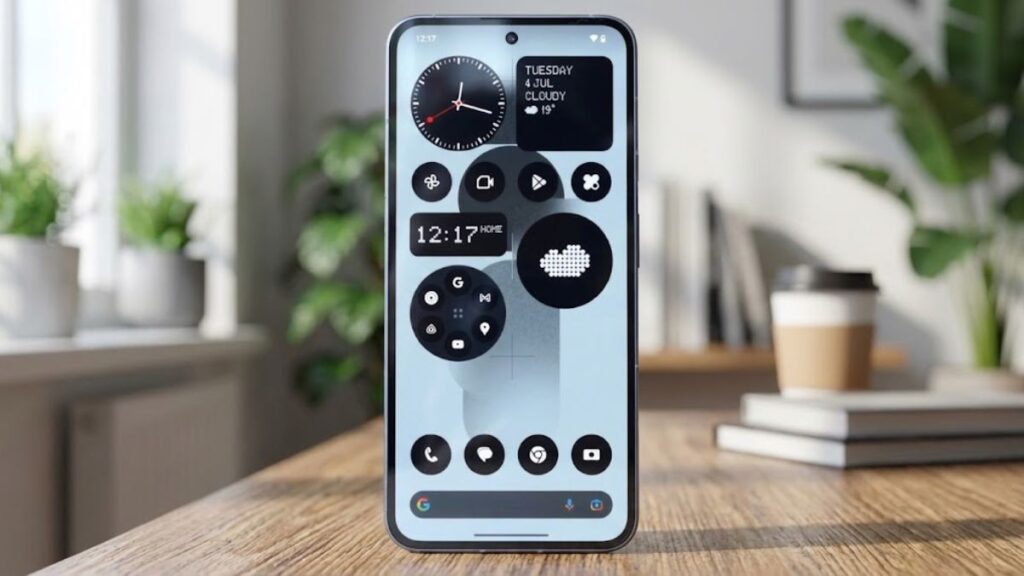
Nothing OS 4.0 offers an option to manage the App Drawer search scope, allowing users to see search results within a specific category.
In addition, extra size options have been added for the following widgets:
- Weather
- Pedometer
- Screen Time
This improves home screen customisation even further. Many users had been demanding these features, and finally, after the Nothing OS 4.0 update, users will get them.
Smart Improvements in Quick Settings and Pop-Up View
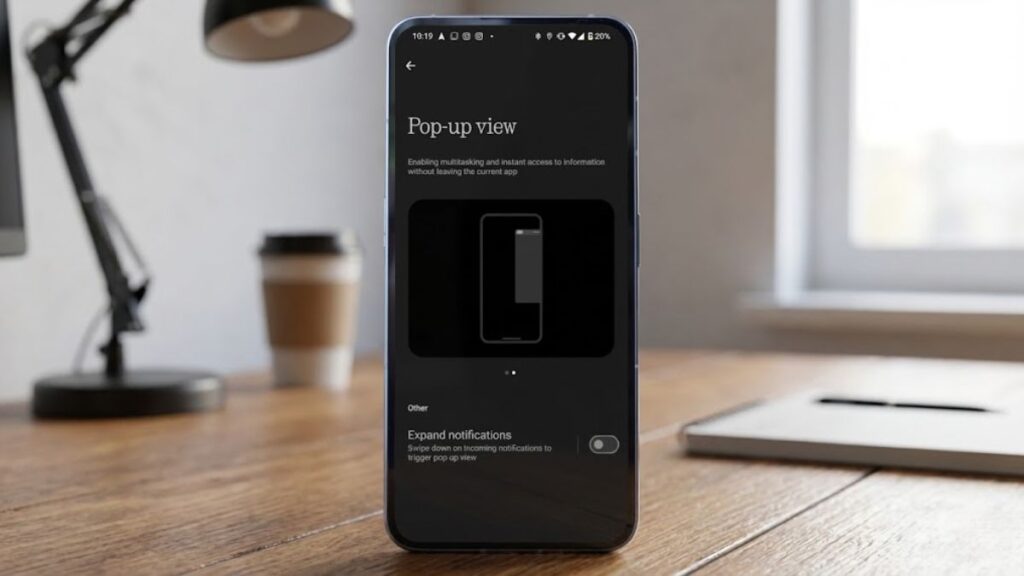
Let us tell you that this update also brings improvements to the Pop-Up View feature. This is designed for users who frequently switch between apps.
- Most Quick Settings tiles now support a 2×2 size
- Support for two floating icons has been added in Pop-Up View, making it easier to switch between apps
This is a practical improvement for multitasking users. These features will be available once your phone receives the Nothing OS 4.0 update. If you have already updated your phone to Nothing OS 4.0 and received these features, do let us know in the comments how you liked them.
Good News for Dual SIM Users
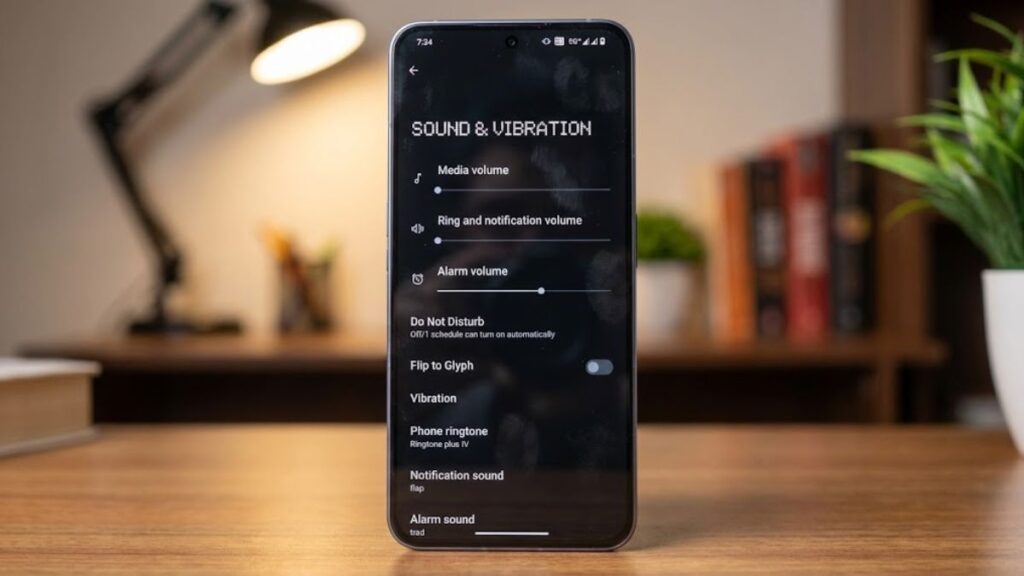
The Nothing OS 4.0 update now allows users to set different ringtones for dual SIM phones. This feature is especially useful for business users and those who manage work and personal SIMs separately. If you are also a dual SIM user, tell us in the comments how useful this feature is for you.
Essential Innovations: Playground (Alpha) Introduced
Nothing has introduced a new section called Playground (Alpha) with this update. It is a community-driven platform where users get access to:
- Essential Apps
- Camera Presets
- EQ Profiles
These Essential Apps (Alpha) are now open for download. They are AI-powered, community-crafted apps that offer a combination of creativity and efficiency. Overall, all the features included in the Nothing OS 4.0 update are quite useful for users. Let us know in the comments which feature you liked the most.
Should You Upgrade to Nothing OS 4.0?
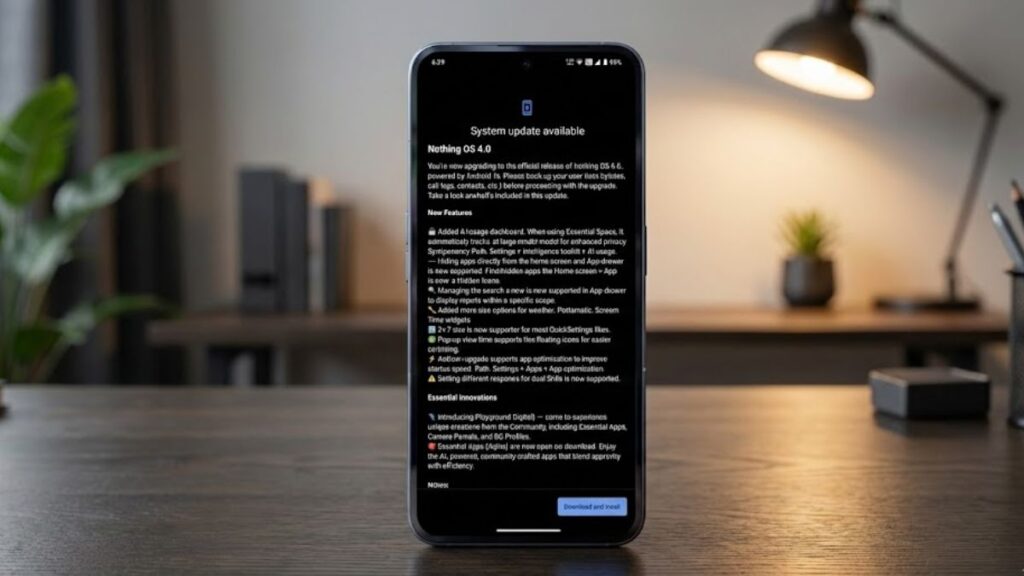
If you are using a Nothing smartphone, upgrading to Nothing OS 4.0 can be considered a good decision for most users. This Android 16–based update not only brings new features but also offers practical improvements such as privacy transparency, AI usage control, and system optimisation, making daily usage smoother.
Features like the AI Usage Dashboard, app hiding options, improved widgets, and dual SIM ringtones are very useful in real-life scenarios. However, if your phone is currently running completely stable and you do not want to take any risk, it is very important to take a full data backup before installing the update. Also, checking early user feedback can be a safer approach for new Nothing smartphone users.
Overall, for better long-term performance, enhanced customisation, and a future-ready experience, upgrading to Nothing OS 4.0 is a smart move. We will continue to share further rollout details and device-wise availability related to this update. So, stay connected with Phone Jagat for every new update.
SEE ALSO: Nothing Phone (3a) Lite Gets a New System Update: What’s New