OPPO has officially released the Android 16–based ColorOS 16 Official Version for OPPO K13 Turbo Pro 5G smartphone users in India. The company has officially confirmed this update, and currently, it is available only for Indian users, while users in other regions will have to wait a little longer. So let us now understand how Indian users can update their OPPO K13 Turbo Pro 5G to ColorOS 16.
ColorOS 16 Official Update Launched in India
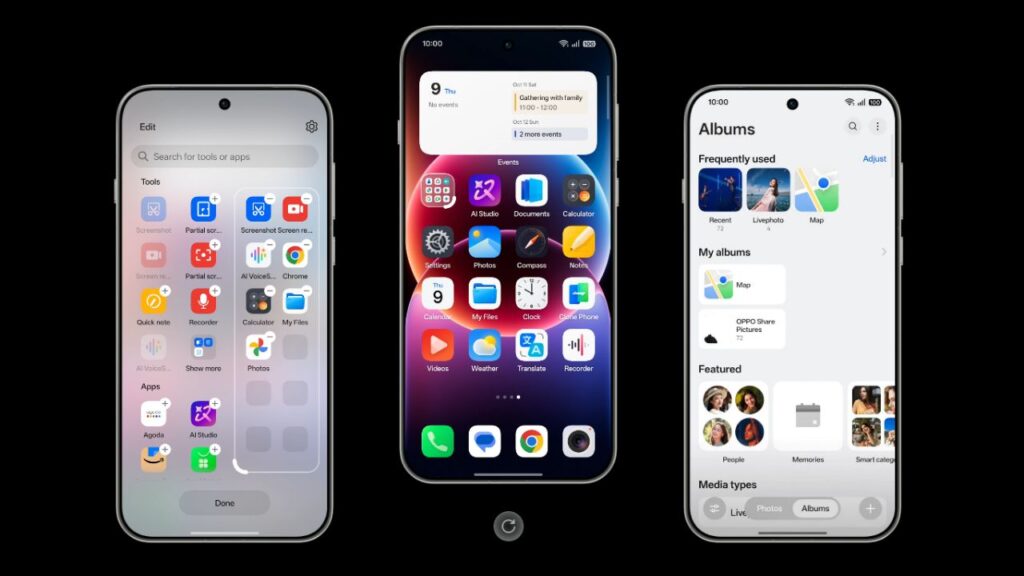
According to the ColorOS team, OPPO K13 Turbo Pro 5G users can now experience the latest Android 16 features along with the new ColorOS 16 interface. This update has been rolled out starting from 9 December and can be downloaded directly from the phone’s settings.
If you are an OPPO K13 Turbo Pro 5G user, the following version must already be installed on your device to receive this update:
CPH2731_16.0.1.301 (EX01)
Important Things to Know Before Applying the Update
OPPO has advised users to take some important precautions before updating their phones. The company recommends taking a complete backup of important data before the update to avoid any kind of data loss.
After the update, users may experience minor heating, lag, or battery drain issues during the initial few days. This happens due to system optimisation and usually gets resolved automatically after some time. For a better experience, the company advises users to keep the phone on charge overnight after the update.
Information Related to Android 16 Compatibility

The ColorOS team has also clarified that some third-party apps may not be fully compatible with Android 16. In such cases, certain apps may crash or work slowly. Users are advised to update all apps to their latest versions from the Play Store or App Market.
How to Report ColorOS Bugs?
If you face any issues after the update, you can report bugs by dialing *#800# from your phone’s dialer. This will directly send feedback to the OPPO team.
How to Download the ColorOS 16 Update?
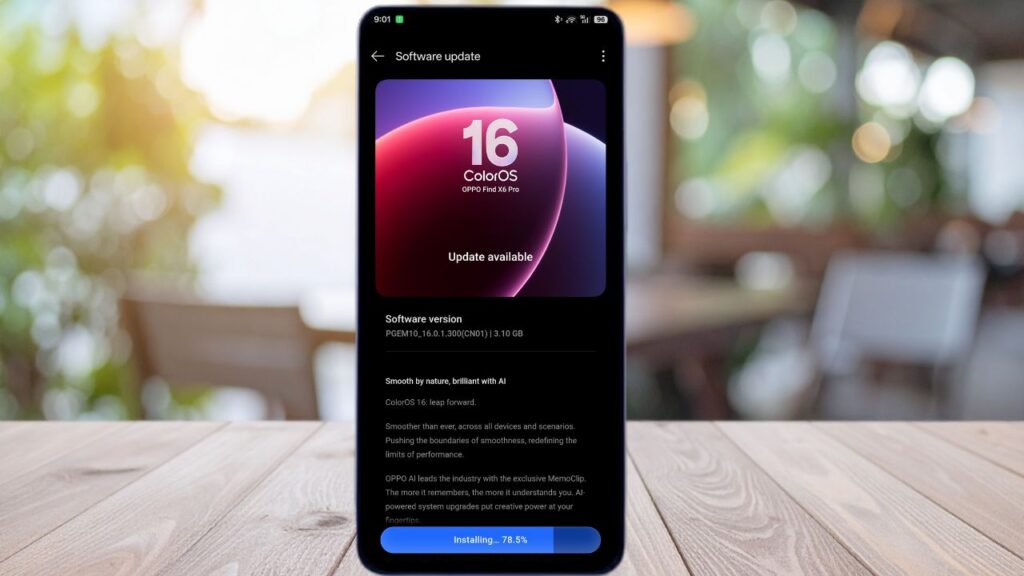
To download the ColorOS 16 update on OPPO K13 Turbo Pro 5G, follow the steps given below:
- Go to Settings on your phone
- Tap on System & Update
- Open Software Update
- Tap on the icon given at the top right
- Select Beta Program > Release Candidate
- Tap on Apply Now
- Once the update is detected, click on Download Now
ColorOS 16 Update Coming Soon to Other Regions
OPPO has also confirmed that this official ColorOS 16 update will be released for other countries and devices in the near future. The company has requested users to remain patient.
At the same time, the ColorOS team has stated that user feedback is extremely important to them, as it helps them make future updates even better. If you have also received this update, do let us know by writing “Yes” in the comments.
SEE ALSO: Android 16 Notification Delay Bug: Users Report Major Issue