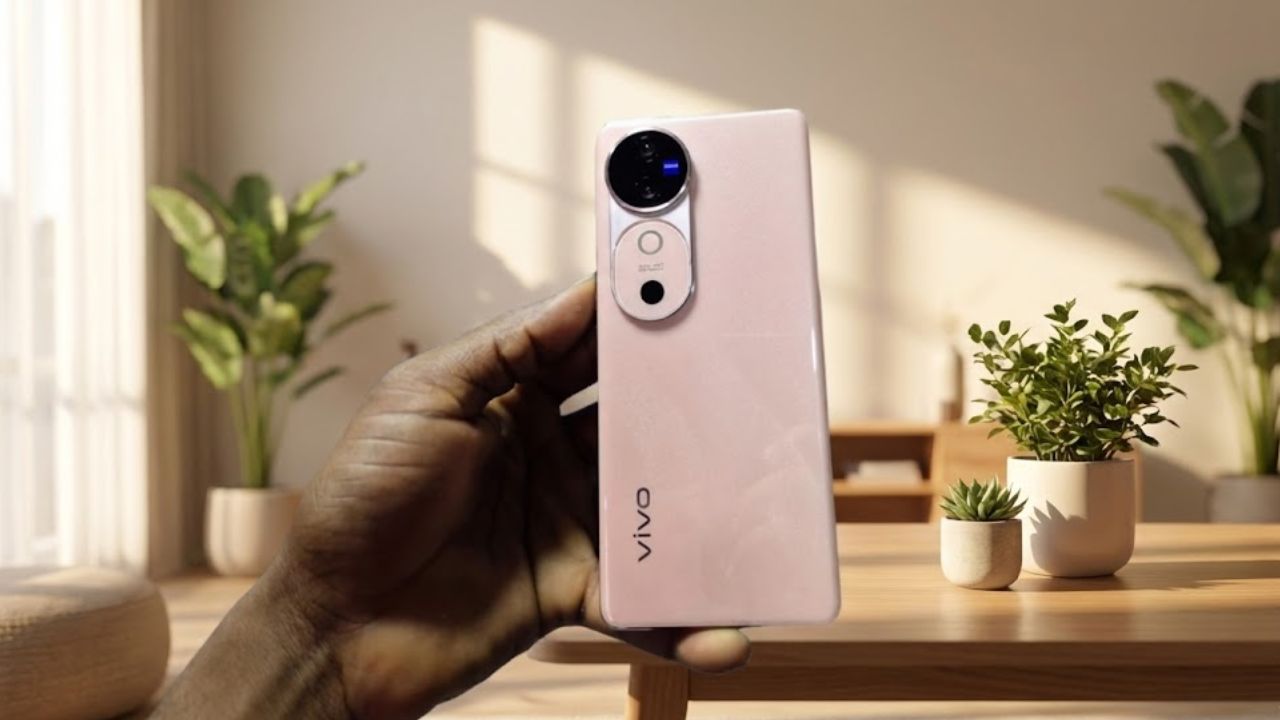
Vivo has started rolling out the OriginOS 6 update, based on Android 16, to Vivo V40 users. Currently, the company is providing this major update to only a limited number of users as part of a trial program. However, Vivo will soon release a stable version for all users.
Initial users have confirmed that the update has the build version PD2363BF_EX_A_16.2.6.15.W30. The update package weighs approximately 4.27GB, making it essential to download it over a stable Wi-Fi connection to avoid interruptions.
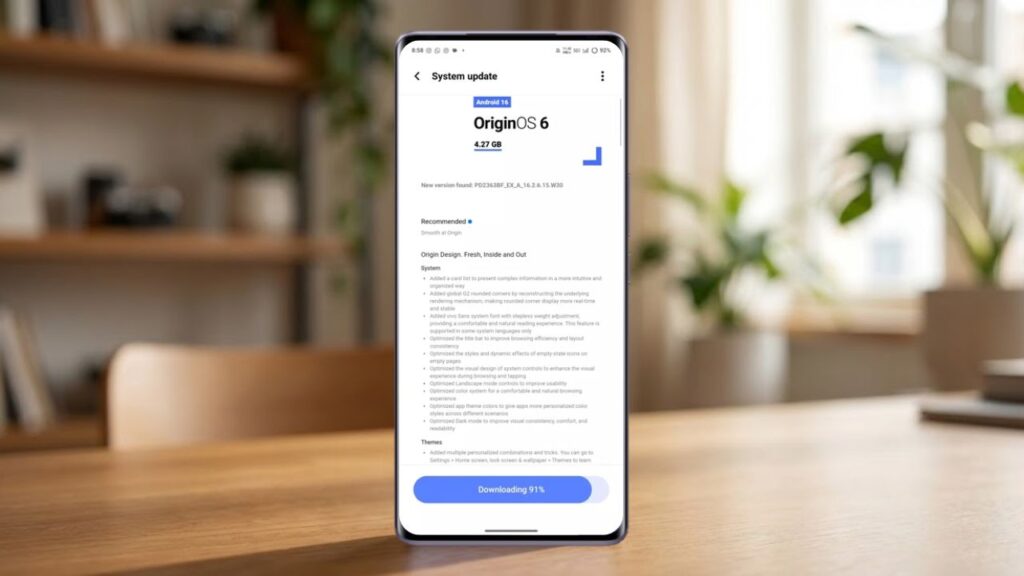
Vivo also advises ensuring sufficient battery life before updating. Therefore, you should update your phone only after charging it to more than 40% to ensure a smooth and uninterrupted process.
How to Install OriginOS 6 Trial Update on Vivo V40
Currently, Vivo is not releasing a stable build for all devices. Instead, users who want early access can manually enroll in the trial version. Therefore, you can follow these steps to install the update:
Go to Settings > About phone > System update > Version trial > Trial version, then download and install the update.
Additionally, it’s always wise to back up your important data before installing any major system update. While update failures are rare, having a backup provides an extra layer of security. By the way, do you back up your phone before updating to new software?
OriginOS 6 Design Changes and Visual Enhancements

After upgrading the Vivo V40 to OriginOS 6, users will immediately notice a new and improved user interface. Vivo has introduced Origin Design, which focuses on visual clarity, smooth animations, and enhanced usability.
Notably, the system now utilizes a new card-style layout to present complex information more easily. Additionally, Vivo has revamped the internal rendering mechanism for more consistent and realistic rounded corners throughout the system.
Furthermore, Vivo has added the vivo Sans system font with stepless weight adjustment. This results in text that feels more natural and comfortable to read, especially during extended browsing sessions. However, this feature currently only supports select system languages. Did you prefer the previous font on the Vivo V40?
System-Level Optimizations in OriginOS 6
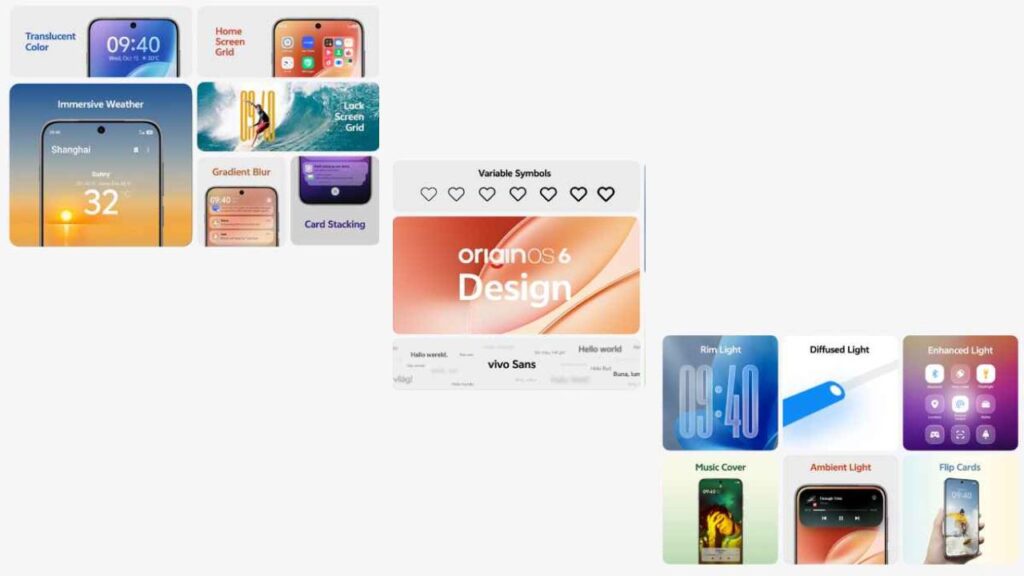
Looking at the visual changes, OriginOS 6 brings several important system-level optimizations. Vivo has redesigned the title bar to improve layout consistency and browsing efficiency. Additionally, empty-state pages now feature improved icons and dynamic effects, resulting in a cleaner look.
Furthermore, Vivo has refined the system controls to enhance both visual appeal and touch responsiveness. Landscape mode controls have also been optimized, making navigation more convenient during gaming and media consumption.
Moreover, Vivo has fine-tuned the color system for a more comfortable and natural viewing experience. App theme colors now adjust better to different situations, providing a more personalized experience.
Improved Dark Mode and Theme Customization
This time, OriginOS 6 features significant improvements to the dark mode. Vivo has enhanced visual consistency, improved text contrast, and reduced eye strain during low-light usage. As a result, the dark mode now looks more refined and is more comfortable on the eyes.
Additionally, the Themes section now offers multiple personalized combinations and customization tricks. You can explore these options by navigating to Settings > Home Screen, Lock Screen & Wallpaper > Themes.
Performance, Multitasking, and Battery Improvements
I recently updated my Vivo V40, and OriginOS 6 brings significant performance improvements. Apps now open faster, animations are smoother, and multitasking works more efficiently. As a result, everyday tasks feel much easier and more responsive.
Furthermore, Vivo has optimized battery management, giving the Vivo V40 longer screen-on time. Background processes consume less power, leading to overall improved efficiency.
Vivo V40 Software Update Policy Explained
The Vivo V40 originally launched in 2024 with Android 14 out of the box. Therefore, the Android 16-based OriginOS 6 update marks the second major OS upgrade for the device.
Looking ahead, Vivo has confirmed that the Vivo V40 will also receive Android 17. However, Android 17 will be the final major OS update for this smartphone. That said, Vivo will continue providing security updates for at least one additional year, ensuring long-term reliability.
Vivo V40 OriginOS 6 Update Summary
| Update Feature | Details |
|---|---|
| Android Version | Android 16 |
| OS Skin | OriginOS 6 |
| Firmware Version | PD2363BF_EX_A_16.2.6.15.W30 |
| Update Size | 4.27GB |
| Availability | Trial rollout (Stable coming soon) |
Should You Install the OriginOS 6 Update?
If you enjoy trying out new features early, you should consider the OriginOS 6 trial update. However, if you prioritize stability, waiting for the official stable rollout might be a better option. Either way, this update brings several important improvements that enhance the overall Vivo V40 experience. What are your thoughts on the new OriginOS 6? Has your Vivo V40 received the trial update?
Overall…
The OriginOS 6 update, based on Android 16, is a significant step for Vivo V40 users. From a refreshed design and smoother animations to improved performance, better battery efficiency, and enhanced customization options, this update focuses on improving the daily user experience rather than simply adding flashy features.
While this update is currently only available as a trial build, it already provides a clear indication of what users can expect from the stable rollout. If Vivo addresses any minor bugs and maintains system stability, OriginOS 6 has the potential to significantly enhance the long-term experience of the Vivo V40.
For now, users who prioritize stability can wait for the official release, while those eager for the latest updates can preview the improvements of Android 16 on their devices.
FAQa
Is the OriginOS 6 update stable for Vivo V40?
No, OriginOS 6 is currently available as a trial version. The stable update will be released soon for all Vivo V40 users.
What is the update size of OriginOS 6 on Vivo V40?
The update package size is approximately 4.27GB, so Vivo recommends downloading it using a stable Wi-Fi connection.
How can I install the OriginOS 6 trial update on Vivo V40?
Go to Settings > About phone > System update > Version trial > Trial version, then download and install the update.
What Android version does OriginOS 6 bring to Vivo V40?
OriginOS 6 is based on Android 16, making it the second major OS update for the Vivo V40.
Will Vivo V40 receive future Android updates after OriginOS 6?
Yes, Vivo has confirmed Android 17 will arrive later, which will be the final major OS update for the Vivo V40.
SEE ALSO: Vivo OriginOS 6 Update: Android 16 Features, Rollout Timeline & Supported Devices